Elvyn user manual
This manual explains how Elvyn works and what each screen does. Part one is for students, part two for course staff, part three for the platform administrator, and the reference chapters for everyone. Each chapter is short; read chapter 3 first if you read only one.
Quick starts
One printable page each. Start here.
- Quick start for students
Ten steps from signing in to the survey. One printable page for students.
- Quick start for course staff: your first class
Course staff only
Tours
Click through real screens, one step at a time. Each tour also sits at the top of the chapter it explains.
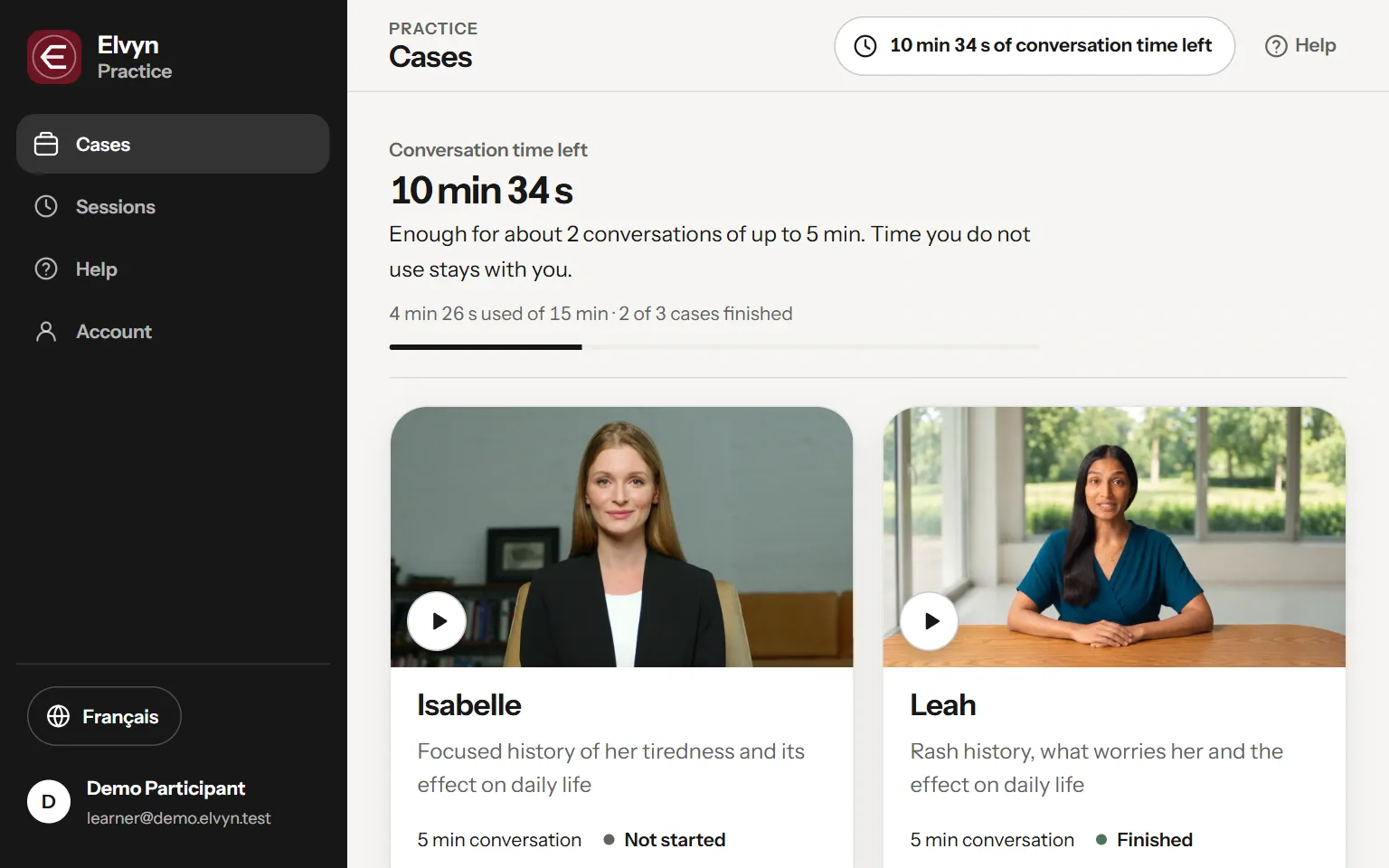 Your first conversation
9 steps · In 4. Preparing for a conversation
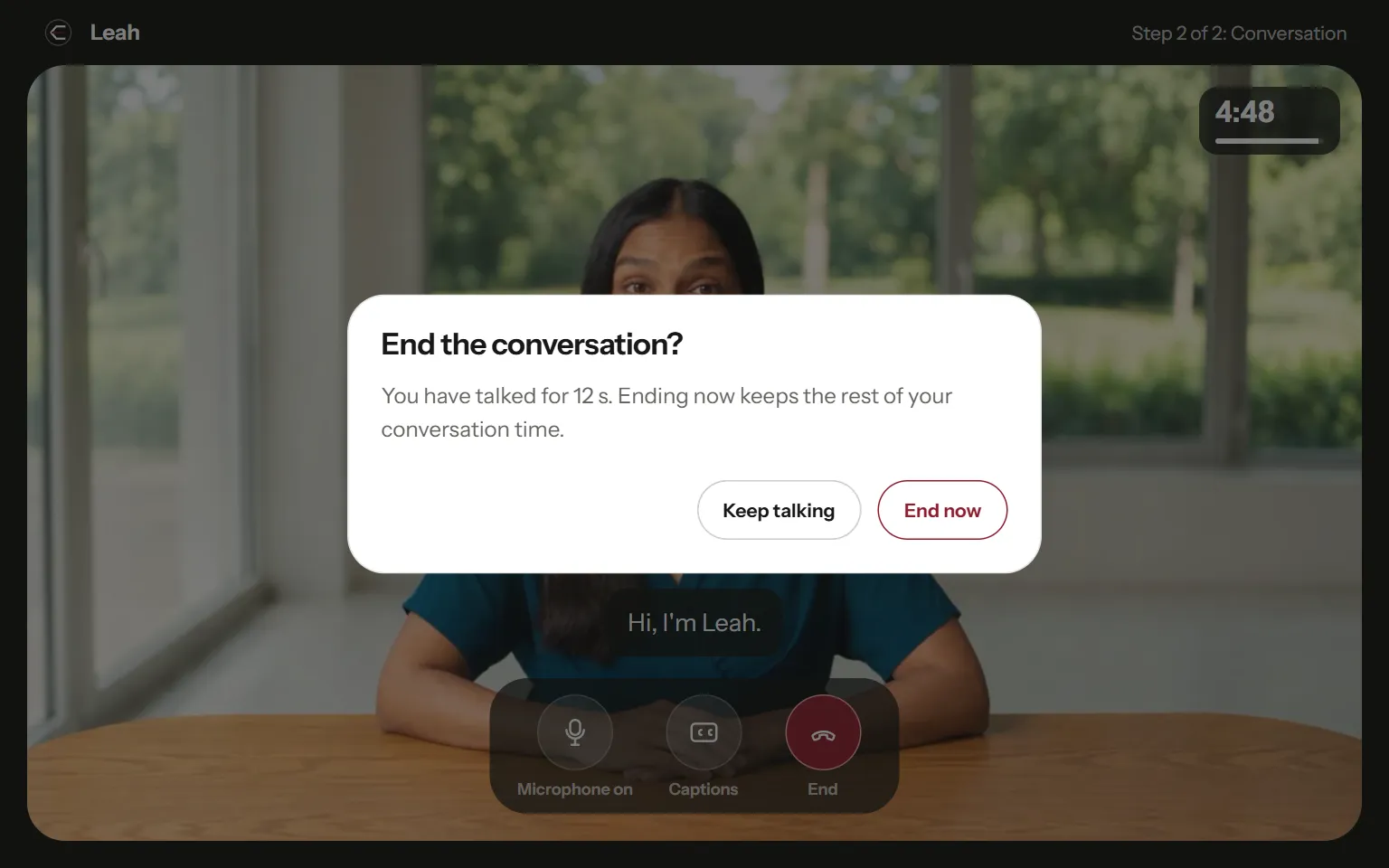 After the conversation: transcript and survey
7 steps · In 6. After the conversation
- Add your class list
Course staff only
- Watch and stop a live session
Course staff only
- Set up a cohort
Course staff only
- The Platform page
Platform administrators only
Part one: for students
- 1. Welcome to Elvyn
What Elvyn is, what it is not, and what you need before your first conversation.
- 2. First steps
Signing in with an email code, what “not on a list” means, choosing a language, and finding your way around.
- 3. Concepts
The ideas behind every screen. Cohorts, minutes, where transcripts are stored, patient memory, the survey, and what Elvyn knows about you.
- 4. Preparing for a conversation
The Prepare page. The brief, the briefing clip, language, microphone, keeping the conversation, memory, and the Start bar.
- 5. The conversation
The conversation screen. Connecting, the clock, captions, the microphone, ending, and what happens if something interrupts you.
- 6. After the conversation
The session summary. What you were charged and why it can say pending, downloading the transcript, the survey and the wrap-up clip.
- 7. Sessions
The list of every conversation you have had, what each status means, and when a transcript can be downloaded.
- 8. Account
Your email, the language of the screens, patient memory, guide videos, signing out, and how to change your email.
- 9. Troubleshooting
What to do when the code email does not arrive, the microphone is blocked, the patient is silent, the time looks wrong, and more.
Part two: for course staff
- 10. The Course staff area
Course staff only
- 11. People
Course staff only
- 12. Live
Course staff only
- 13. Setup
Course staff only
- 14. Running a session day
Course staff only
Part three: for the platform administrator
- 15. Platform controls
Platform administrators only
- 16. People across the platform
Platform administrators only
- 17. Limits, credits and the avatar plan
Platform administrators only
Reference: for everyone
- 18. Data and privacy reference
One table of every kind of data, where it lives, how long it is kept, who can see it, and how it is deleted.
- 19. Glossary
The words Elvyn uses, each in one or two sentences, with a link to where it is explained.
Guide videos
Short clips with captions. Each opens in a player over this page.