Part one: for students
6. After the conversation
When a conversation ends, Elvyn opens its summary. You can come back to it later from Sessions.
Tour
After the conversation: transcript and survey
Ending, the summary page, the transcript download, the survey and Sessions.
Step 1 of 7: Press End now to finish and open your summary, or Keep talking to go back to the patient.
- Press End now to finish and open your summary, or Keep talking to go back to the patient.
- Your summary opens with who you talked with and for how long.
- Check your time left in this cohort after this conversation.
- Press Download transcript to save what was said as a text file.
- Download the transcript by this date, the last day it is available.
- Answer the short anonymous survey below; every question is optional.
- Open Sessions later to see each conversation and its summary again.
6.1 The summary
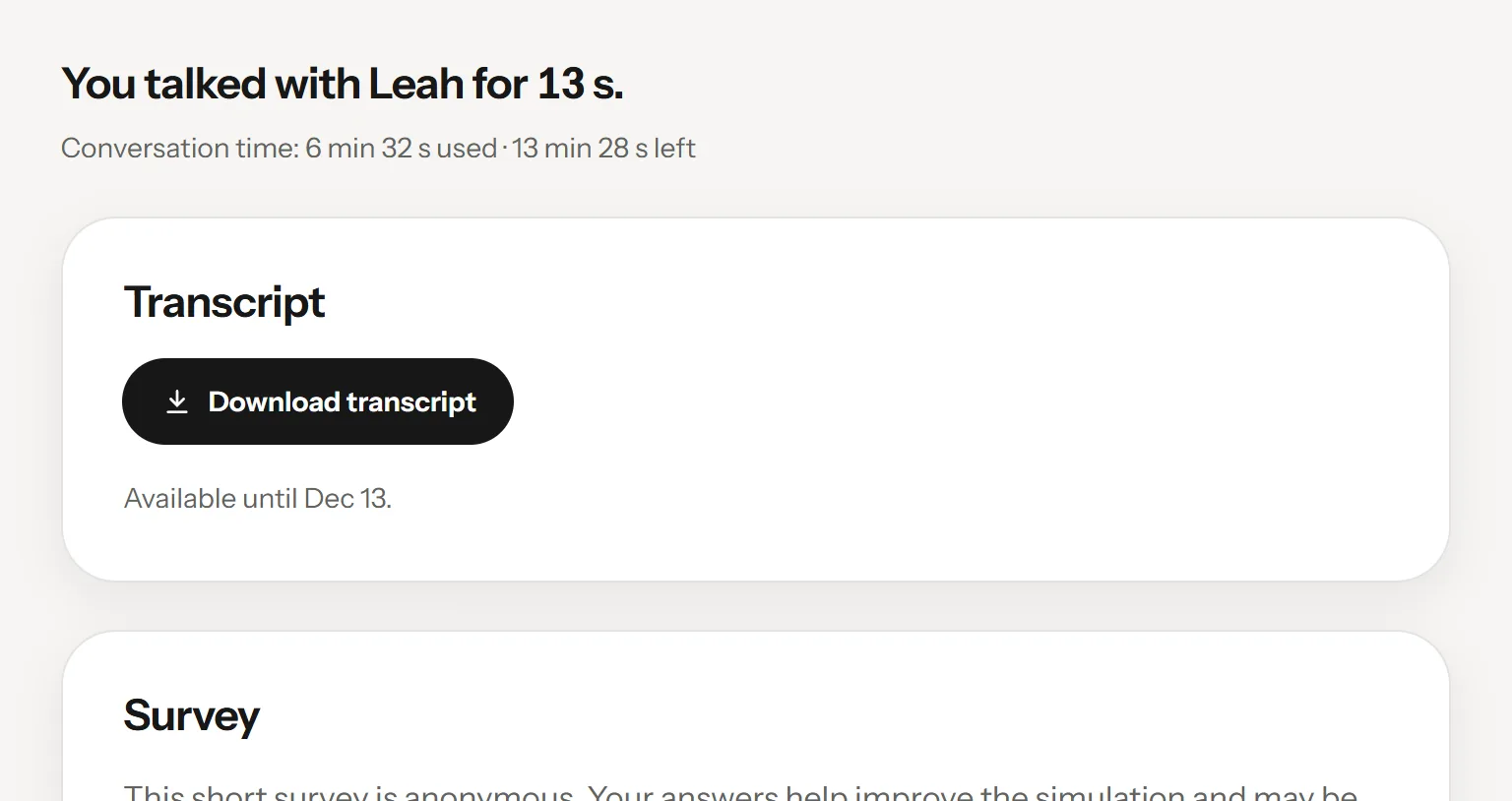
The summary of one session.
- How long you talked
- Your conversation time in this cohort
- Transcript
- Survey
The page’s title names the patient and the date, under Sessions, for example “Sessions / Leah, Nov 12”. Its first sentence says how long you talked, for example “You talked with Leah for 13 s.”, followed by your time in that cohort : “Conversation time: 5 min 25 s used · 14 min 35 s left”. The time left is the same figure as Conversation time left on Cases.
If the conversation did not end the usual way, one sentence says why: you reloaded the page, course staff ended it, or it did not start. Under it are the blocks Transcript , Survey , and what to do next.
6.2 What you were charged
The first sentence has one of four forms:
| You see | Meaning |
|---|---|
| “You talked with Leah for 13 s.” | The charge is final. |
| “You talked with Leah for up to 1 min 12 s. The final figure can only be lower.” | An estimate, shown as pending. The avatar service has not reported the length yet. |
| “This conversation with Leah holds 5 min until the avatar service confirms the end.” | The avatar service has not confirmed that the conversation ended. Your time is held, not spent. |
| “This conversation did not start, so no time was used.” | Nothing was charged. |
The final figure is the length the avatar service reports, which can be lower than your clock. See 3.2.1 How you are charged.
If the summary says Still closing, you can leave the page. A new conversation can start once the avatar service confirms the end.
6.3 Downloading the transcript
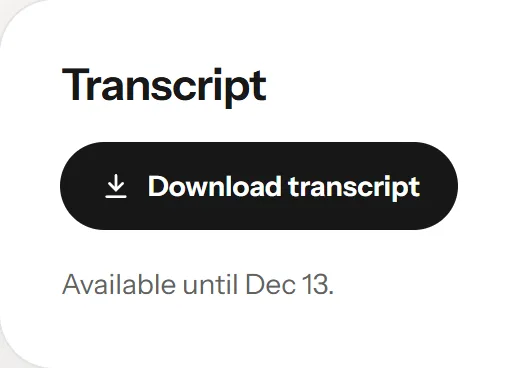
The transcript block, ready to download.
- Download the text file
- The last day it can be downloaded
Press Download transcript to save the conversation as a text file. Under the button, “Available until December 12, 2026.” tells you the last day you can download it. Each line of the file has the time from the start, who spoke and what was said:
[00:01] Patient: Hello, thank you for seeing me.
[00:04] Student: Hello, what brings you in today?
Right after the end, the transcript may not be ready. The block then says “Getting your transcript ready…” and asks again by itself for up to ten minutes, then saves the file when it arrives. After that, press Try again, or come back later from Sessions.
Other messages:
| Message | Meaning |
|---|---|
| “This conversation was not kept, so there is no transcript.” | Keep this conversation was off, or the cohort does not keep conversations. |
| “This transcript was deleted at the end of its keeping period.” | The keeping period is over. Elvyn no longer offers the text, and has asked the avatar service to delete it. |
| “The avatar service could not supply this transcript.” | Elvyn has no record of the text at the avatar service. There is no button to try again; if you expected a transcript, tell your course staff. |
| “The transcript could not be downloaded. Try again.” | The request failed. Press Download transcript again. |
6.4 The survey
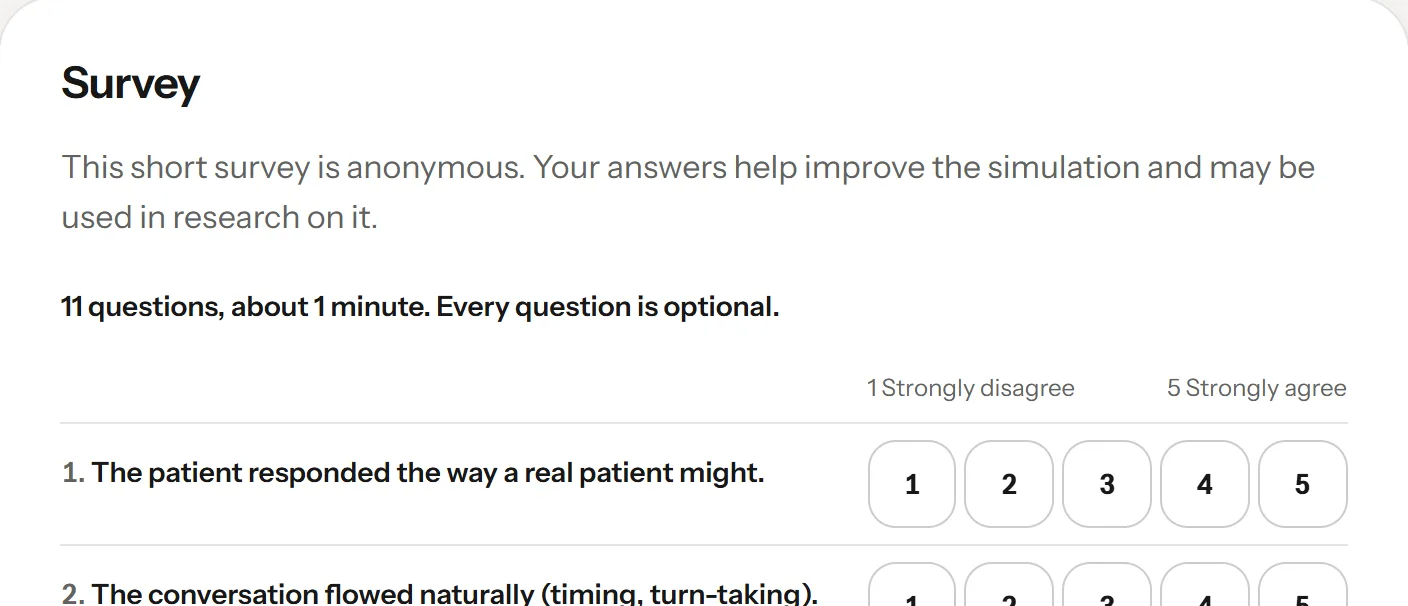
The short form, Elvyn’s own 11-question survey.
- Short, anonymous, every question optional
- Answer what you want
The Survey block asks for your opinion of this conversation. Every question is optional. See 3.5 The survey and the short form for what is recorded and where.
When your cohort has a SurveyMonkey survey in the language of your conversation, it appears inside the page, labelled “Anonymous survey, about two minutes”. When you have submitted it, press I finished the survey. If the survey does not load, press Open in a new tab, or Use the short form instead.
Otherwise you get the short form : “11 questions, about 1 minute. Every question is optional.” Answer what you want and press Send answers at the bottom. You see “Thank you. Your answers were recorded anonymously.” The short form takes one set of answers per conversation.
If the summary says “The survey opens once the conversation has finished closing.”, come back a little later.
6.5 The wrap-up clip
A short video about how to write up what you learned. Its link sits in the last block; it opens in a player over the page. For now it exists in English only.
6.6 What next
The last block, What next, has Back to Cases for another conversation and All sessions for the list of them.